Projection Activity Mats
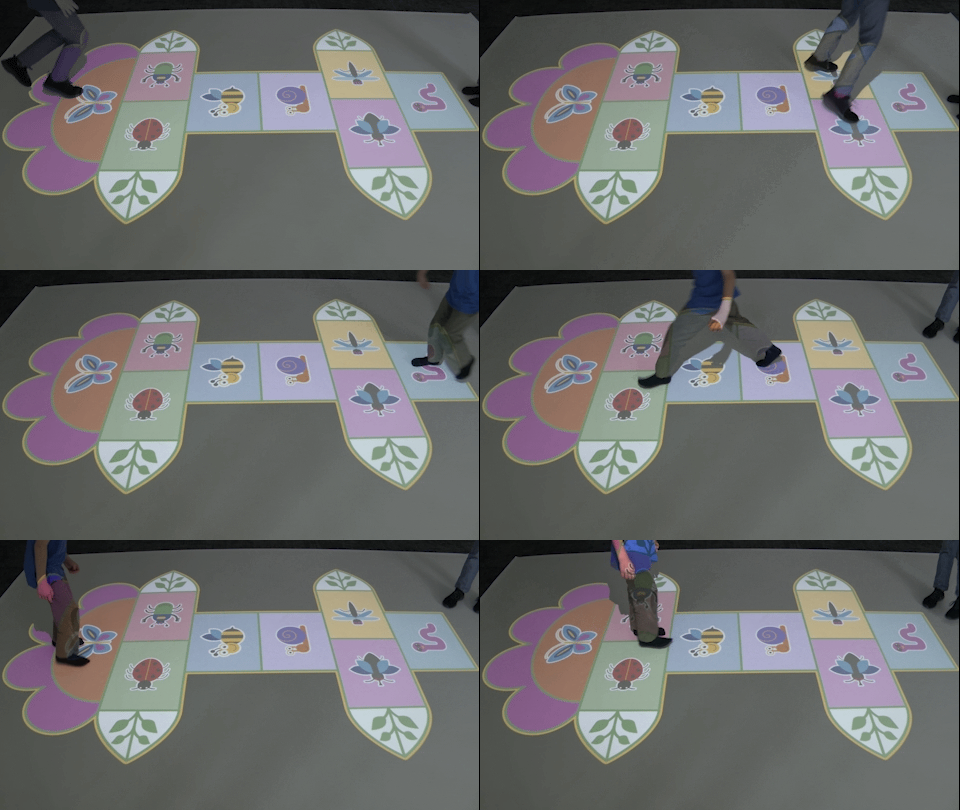
The simplest projection floor setup you can build — just a projector and a PC, no camera needed. Display beautifully illustrated activity mats and board games on any floor surface. A ready-made tool for animators, teachers and activity leaders.
Projector only
No camera or sensors required
390+ illustrated mats
Animation, board game & learning mats
Light & dark mode
Boards adapted to room lighting conditions
Split screen
Display 2 mats or 1 large board at once
Deployment Location
Kindergartens, playrooms, nurseries, school corridors, community centres, event venues, therapy rooms, waiting areas.
Target User Group
Preschool and school children. Guided by animators, teachers, carers or activity leaders who set the rules and lead the play.
Use Scenarios
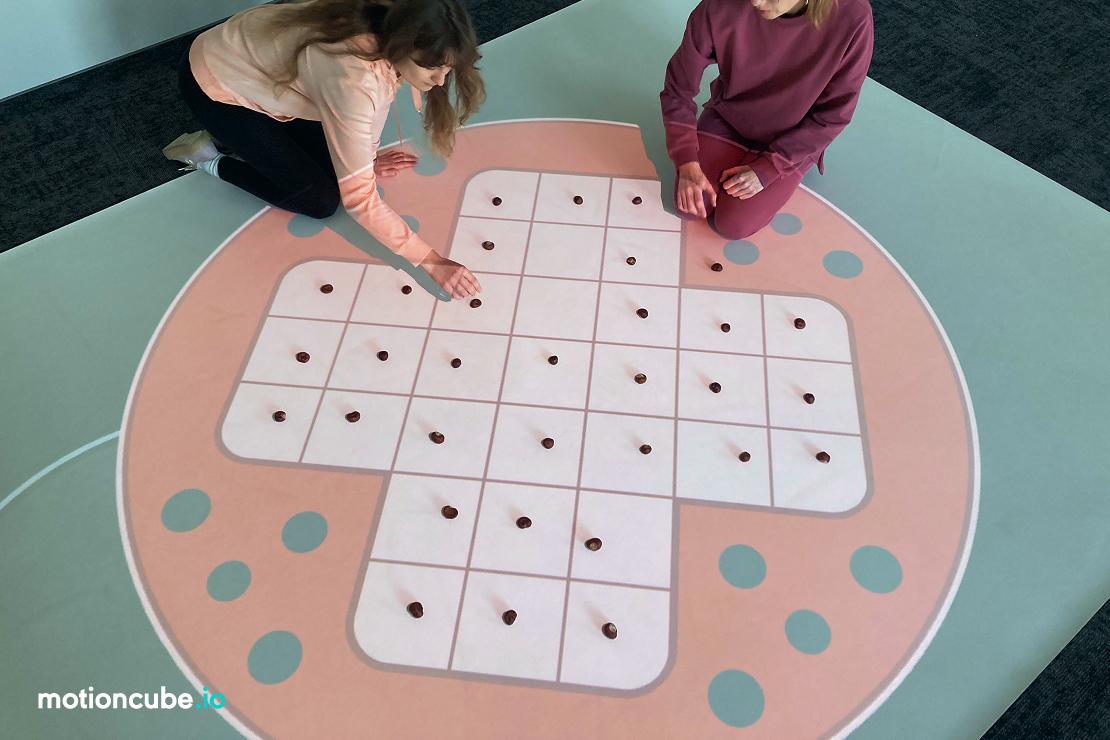
Animated group play with props, team-building games, board game sessions on the floor, creative storytelling, movement and motor skills activities, events and parties.
Interaction Method
Display only — no touch or motion tracking. The animator (or teacher) selects mats and the children play on the projected boards using physical props (dice, pawns, balls, sensory bags, etc.).
Projection Surface
Floor, carpet or any flat surface. Works in both bright and dimmed rooms thanks to light/dark board modes.
Content included:
Activity Mat Collections
The solution includes curated collections of illustrated floor mats — ready-made ideas for animated play. Each mat is a static illustration displayed by the projector, designed to serve as a playground for team games led by the teacher or animator.
All boards work in two lighting modes (light & dark room) and support a double-mat feature so you can split the area into two independent play mats.

How to build a projection activity mat setup
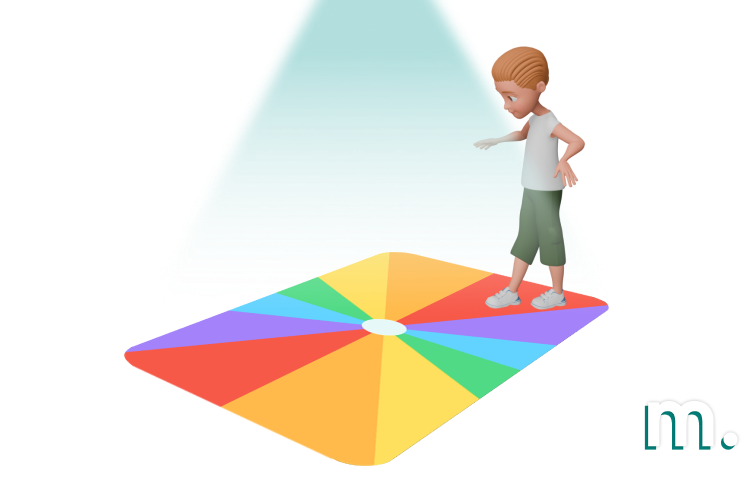
This is the simplest Motioncube configuration — mount a projector on the ceiling or wall, connect it to a PC and start displaying mats on the floor. No camera, no sensors, no calibration. Anyone can set it up.
Mount the projector
Install a projector on the ceiling or wall mount, pointing down at the floor. That’s the only hardware you need above.
Connect a PC
Connect the projector to any PC or mini PC via HDMI. Install Motioncube Player — the mats run in display mode, no interaction module required.
Display & play
Select a mat from the collection and project it onto the floor. Add props, set your own rules and let the children play.
See it in use
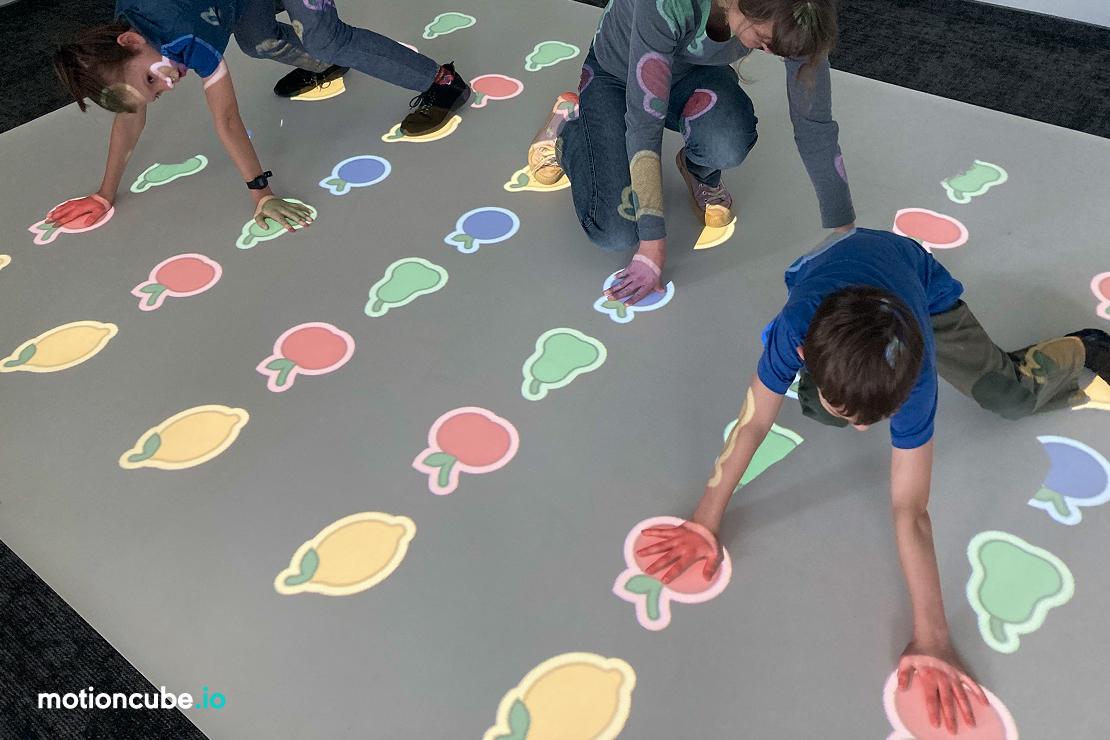
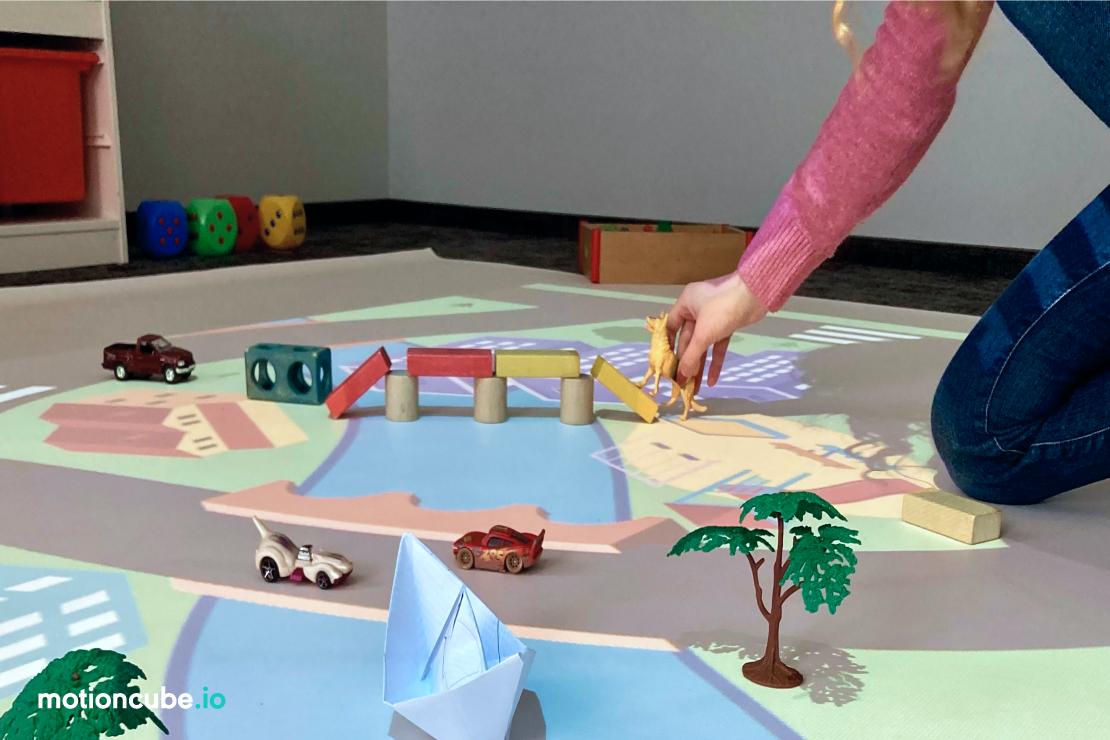
Real installations. Click any photo to enlarge.
What's included?
Motioncube Player
Software for displaying mats and boards on the projected surface. Runs in display mode — no interaction module or camera needed.
Activity mat collections
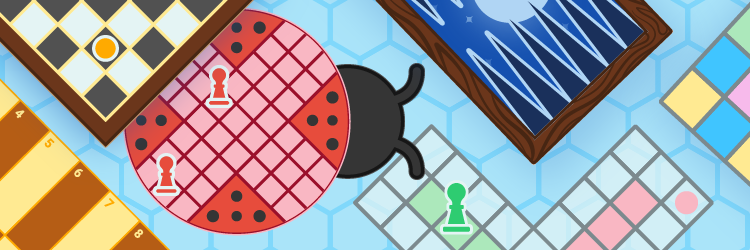
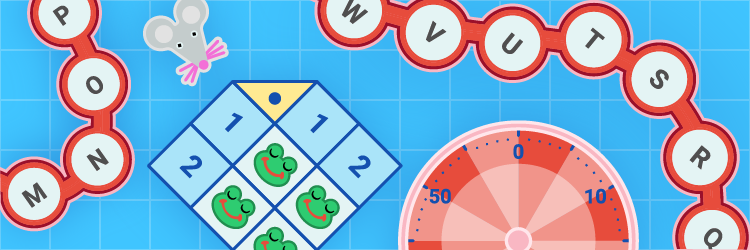
Animation Mats (40 boards for creative play) + Board Game Mats (40 apps, 170+ boards for classic and party games) + Learning Mats (80 apps, 180 boards for educational activities).
Demo License
For internal demos and client presentations.
White-label option
Add your brand to the software interface.
Mobile app
Allows the animator to control which mat is displayed from their phone or tablet.
Technical & marketing support
Technical documentation, direct contact with the Motioncube support team, and starter marketing assets.
Technical specification
What you need to source and how to install it — hardware, mounting conditions and licensing.
| Projector | Resolution 1280×800 or higher. Brightness 3500–4000 lm depending on room lighting. Short-throw recommended for lower ceilings. |
| Camera | Not required. This is a display-only configuration — mats are static illustrations shown by the projector. |
| Computer | Windows 11, Intel i3, 8 GB RAM, SSD 256 GB or compatible mini PC with HDMI output. |
| Mounting system | Ceiling mount or wall-arm mount for the projector, pointing down at the floor. |
| Props (optional) | Dice, pawns, sensory bags, balls, figurines, blocks — depending on which mats and games you play. |
| Mounting scheme | Projector mounted above the floor (ceiling or wall-arm), connected to the PC via HDMI. No camera installation required. |
| Mounting height | Depends on the projector throw ratio. Typically 2.5–3.5 m above the floor for standard-throw models. Short-throw projectors can be mounted lower. |
| Lighting modes | Each mat is available in two visual variants — for bright rooms and for dimmed rooms. Switch between them in the Motioncube Player interface. |
| Double mat feature | Split the projection into 2 independent areas (Player's built-in function) to display two different mats simultaneously — ideal for group games with two teams. |
| Floor surface | Any floor or carpet. Children walk, jump and play directly on the projected illustration. Props are placed on the mat. |
| License type | Single-station, perpetual. |
| Single installations | Are you delivering a single project and need a license for one installation? Simply purchase the required product directly from the Motioncube Store at full price. |
| Multiple deployments | Are you planning multiple deployments and need licenses for several installations? Take advantage of our integrator offer. After ordering the first five licenses, you will receive an additional presentation license free of charge, intended for use on a demo or showroom setup. |
| Additional revenue | Commission from the sale of additional content. Offer your clients extra Motioncube applications, which you can settle with us at a discounted price compared to the store price. More details are available in the integrator cooperation terms. |
Choose the right option for your project
Building a single installation? Buy individual collections from our store. Planning repeatable deployments? Choose an Integrator Pack with volume pricing and ready‑to‑deploy bundles.
Single installation
Purchase individual mat collections from our store — choose the ones that fit your needs.
- Buy exactly what you need
- Retail pricing, no minimum order
- Perpetual licence per workstation
- Motioncube Player included free
Projection Activity Mats
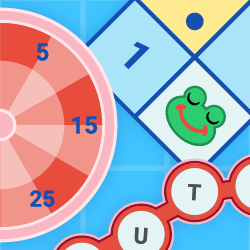
A set of display mats for organising group games that support children's movement, development and education.


Hardware not included — source your own or work with a partner for turnkey installation.
Manage Consents
Control which external services can process your data.
Essential Required
These features are essential for the proper functioning of the website and cannot be disabled.
Anonymous Analytics Required
Required for collecting aggregated statistics that help us understand how users interact with our site. Data is fully anonymous, contains no personal information, and we do not use cookies.
Extended Analytics
Allows analyzing traffic sources (where you came from), marketing campaign parameters (UTM), and navigation paths across subdomains. We use a cookie (7 days) to preserve this data.
External Media
Allows loading content from external services like YouTube or Vimeo.
