Coding Learning Floor
Build an interactive floor where children learn programming and algorithmic thinking using IR pens. We provide multiple ready-to-use coding collections for ages 5–14 — from first steps with sequences to advanced parallel programming concepts.
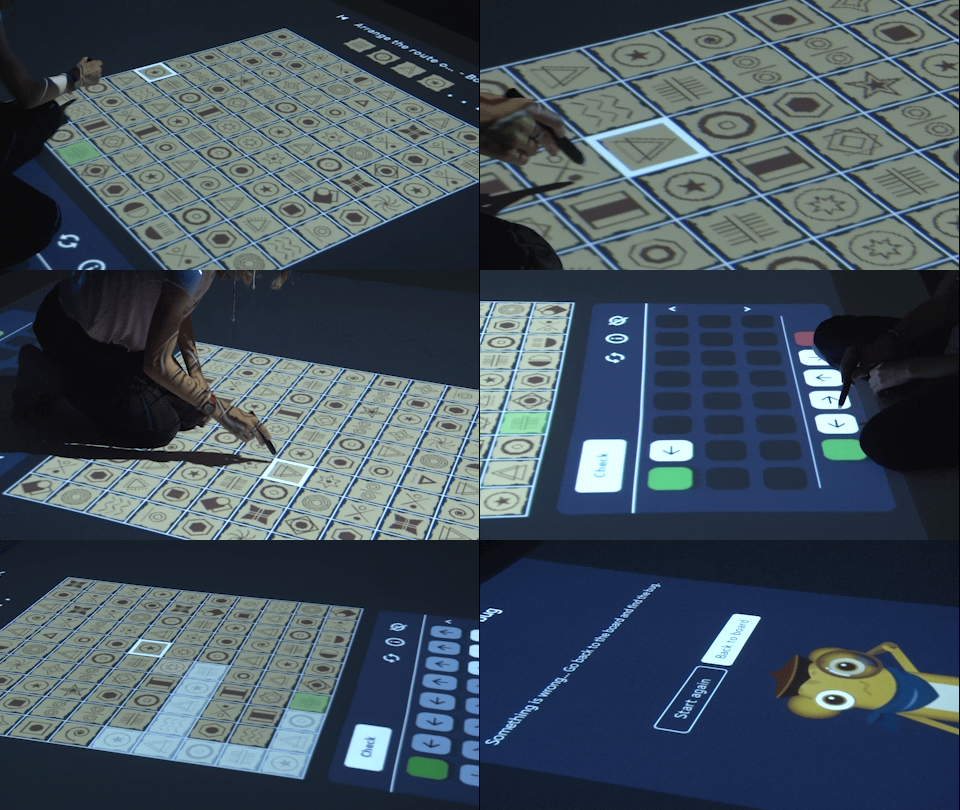
IR pen interaction
Precise writing and selection on the floor
Floor projection
Large interactive surface for group work
Coding curriculum
From sequences to loops, functions & variables
Ages 5–14
Kindergarten through primary school
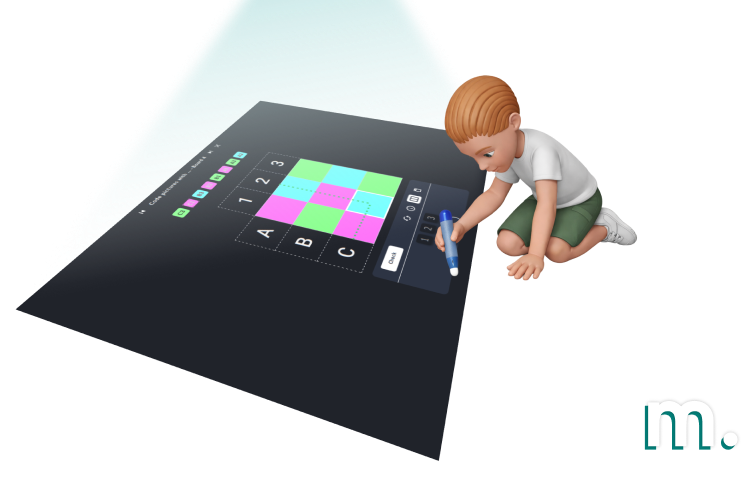
Deployment Location
Kindergartens, primary schools, STEM labs, after-school clubs, coding academies, libraries, science centres.
Target User Group
Children aged 5–14. Kindergartners start with visual patterns and sequences; primary-school students progress to loops, conditions, functions and parallel programming.
Use Scenarios
Coding and algorithmic thinking classes, STEM workshops, curriculum-aligned programming courses, group problem-solving activities, creative drawing with code logic.
Interaction Method
IR pens (infrared light pens) — precise point interaction for selecting, drawing and writing code blocks on the projected surface.
Interaction Surface
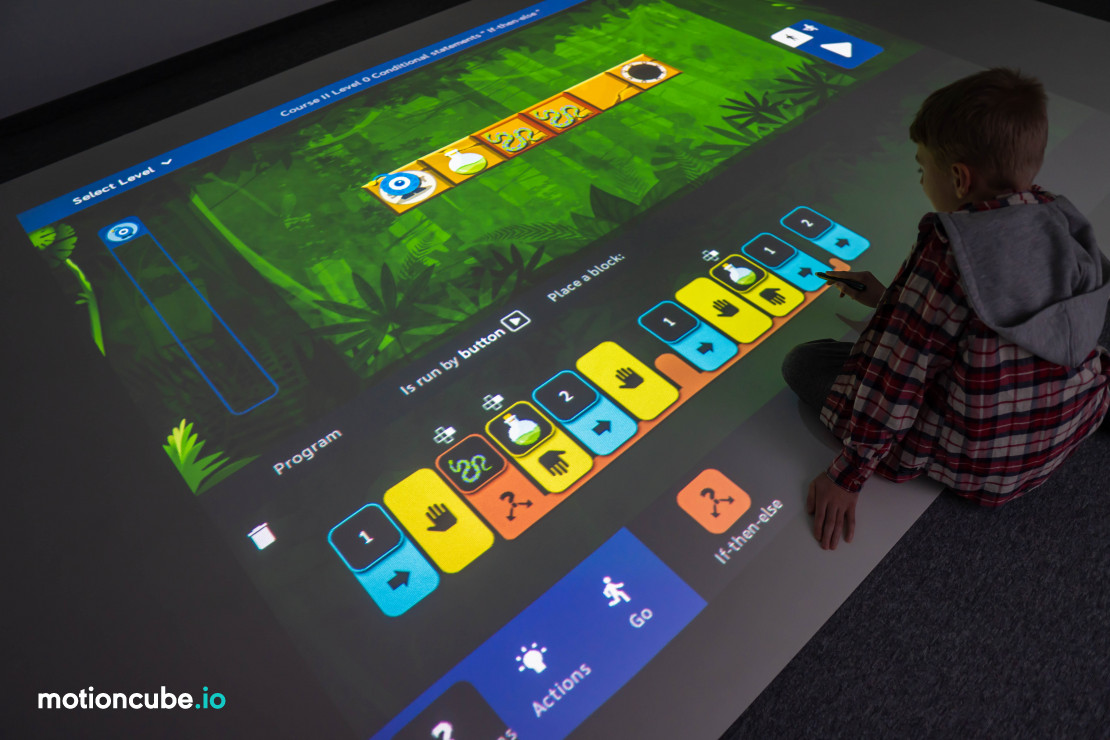
Floor with projected image. Split into up to 3 independent workspaces for simultaneous coding by multiple students.
What Motioncube can make with IR pens
The IR pen emits infrared light detected by a camera above the floor. Children interact with the projected image naturally — selecting code blocks, drawing paths and writing commands on a shared digital surface.

Selecting
Tap code blocks, answers and interface elements on the projected surface to build programs step by step.

Drawing / Painting
Draw paths, shapes and creative artwork that become part of the running program on the floor.

Writing
Write numbers, letters and simple code expressions directly on the projected workspace.

Pushing / Steering
Push and steer virtual robots, vehicles and characters across the floor to test your code logic.
Content included:
Coding Collections
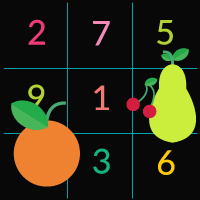
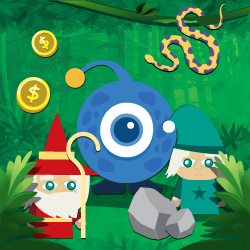
Multiple coding collections are available to cover the full age range from kindergarten to primary school. Each collection focuses on different aspects of algorithmic thinking — from simple sequences and pattern recognition to advanced programming with loops, conditions, functions and variables.
All collections support IR pen interaction on the interactive floor. Browse the full list of coding applications and lesson plans on the Coding Learning page.
See all coding appsHow to build a coding learning floor
Mount a projector and IR camera above the floor, connect them to a PC running Motioncube Player, and switch to Interactive Floor Mode with IR pen tracking. Hand out IR pens to the students and start a coding lesson.
Mount hardware
Install the short-throw projector and IR camera above the floor using a ceiling or wall mount. The projection area should be at least 2×1.5 m.
Connect & install
Connect both devices to a PC. Install Motioncube Player and activate the Interactive Floor Mode with IR pen interaction module.
Calibrate
The system calibrates the projection area and IR pen detection. Optionally split the floor into up to 3 independent workspaces.
Code & learn
Launch a coding collection. Students use IR pens to select code blocks, draw routes and solve algorithmic problems on the projected floor.
Step-by-step setup
Two ways to build a coding floor: the fastest route with an Epson projector and its bundled pens, or a manually calibrated projector with a depth sensor that runs motion and IR pen games in one setup.
Fastest route — Epson projector with pens
EPSON EB-760Wi projector (two pens and a dedicated stand) · Motioncube Lite · Creative Kids Academy games
2-in-1 — motion and IR pen games in one setup
Short throw projector on a tripod · Orbbec Astra 2 on a tripod · table or floor surface · mini PC with Windows · Motioncube Player (Beam)
Recorded on a table, but the floor configuration is identical — the projector and the sensor simply face the floor instead of the tabletop.
See it in use
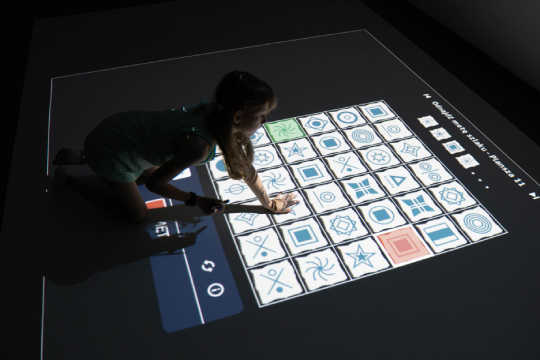
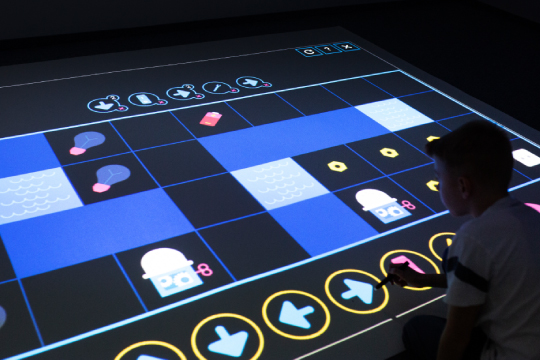
Real installations. Click any photo to enlarge.
What's included?
Motioncube Player
Software for configuring and running interactive projections. Includes Interactive Floor Mode and IR pen tracking module.
7 coding app collections
From Luminous Planet (age 5+) to Kodi and the Secret Castle (age 10+). Over 2,000 interactive coding boards in total.
Lesson plans & guides
PDF lesson scenarios, course overviews and application guides included with each coding collection.
White-label option
Add your brand to the software interface.
Mobile app
Allows users to control the device from their phone or tablet.
Technical & marketing support
Technical documentation, direct contact with the Motioncube support team, and starter marketing assets.
Technical specification
What you need to source and how to install it — hardware, mounting conditions and licensing.
| Projector | Short-throw or ultra-short-throw recommended. Resolution 1280×800 or higher. Brightness 3500–4000 lm, depending on ambient light conditions. |
| Camera | IR camera for pen tracking (e.g. PS3 Eye or compatible IR-sensitive camera with IR-pass filter). |
| IR pens | Infrared light pens (850–940 nm). Pressure-activated or button-operated models. Multiple pens for simultaneous multi-user interaction. |
| Computer | Windows 11, Intel i3 or better, 8 GB RAM, SSD 256 GB. Mini PC form factor recommended for clean installation. |
| Mounting system | Ceiling mount or wall-arm mount for projector and camera, pointing down at the floor surface. |
| Software version | Motioncube Player with IR Pen interaction module. |
| Mounting scheme | Projector and IR camera are mounted above the floor surface (ceiling or wall-arm), pointing downward. Connected to the PC via HDMI and USB. |
| Mounting height | Typically 2.5–3.5 m above the floor for standard-throw projectors. Short-throw models can be mounted lower with a wall arm. |
| Projection area | Minimum recommended: 2×1.5 m. Larger areas allow workspace splitting for multiple students working simultaneously. |
| Workspace splitting | The projection can be divided into up to 3 independent workspaces, allowing multiple students or pairs to code simultaneously on the same floor. |
| Floor surface | Any light-coloured smooth surface works best. Avoid glossy or highly reflective floors. The room should be dimmed to improve projection visibility. |
| IR pen usage | Students press the pen tip to the floor surface (or click the button, depending on pen model) to interact. The system tracks the infrared light spot with high precision. |
| License type | Single-station, perpetual. |
| Single installations | Are you delivering a single project and need a license for one installation? Simply purchase the required coding collections directly from the Motioncube Store at full price. |
| Multiple deployments | Are you planning multiple deployments and need licenses for several installations? Take advantage of our integrator offer. After ordering the first five licenses, you will receive an additional presentation license free of charge, intended for use on a demo or showroom setup. |
| Additional revenue | Commission from the sale of additional content. Offer your clients extra Motioncube applications, which you can settle with us at a discounted price compared to the store price. More details are available in the integrator cooperation terms. |
Choose the right option for your project
Pick individual coding collections from the store to match the age group you serve, or contact us for volume pricing and a complete integrator package.
Single installation
Purchase individual coding collections from our store — choose the ones that match your target age group.
- Buy exactly what you need
- Retail pricing, no minimum order
- Perpetual licence per workstation
- Motioncube Player included free
Coding Learning Floor - Extended
A set of games for school-age children that includes coding, strategy, and logical team play. The games are operated wit...
Hardware not included — source your own or work with a partner for turnkey installation.
Manage Consents
Control which external services can process your data.
Essential Required
These features are essential for the proper functioning of the website and cannot be disabled.
Anonymous Analytics Required
Required for collecting aggregated statistics that help us understand how users interact with our site. Data is fully anonymous, contains no personal information, and we do not use cookies.
Extended Analytics
Allows analyzing traffic sources (where you came from), marketing campaign parameters (UTM), and navigation paths across subdomains. We use a cookie (7 days) to preserve this data.
External Media
Allows loading content from external services like YouTube or Vimeo.
