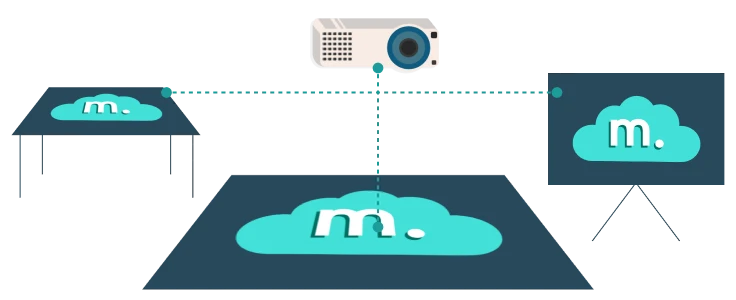
This time, I’d like to show you what sets Motioncube apart from other interactive projection solution when it comes to supporting Orbbec Astra depth cameras. Like many competing products, we support both the older Astra 1 model and the newest Astra 2 version. You can also use Motioncube to create an interactive floor that responds to movement, a wall that reacts to balls, or a table that registers hand movements (we’re not sure you’ll find all these interaction types in other solutions).
However, there are several aspects that truly make Motioncube unique. Let's describe them.
1. Automatic Calibration of the Interaction Area
Motioncube offers fully automatic calibration of the interaction area, so you don’t need to do it manually—an often cumbersome and less precise process. The calibration uses a special chessboard pattern projected by the projector; the camera observes this pattern and automatically determines the area of interaction.

Player: Settings > Advanced > Auto Camera Calibration
Of course, if you prefer, manual calibration is also available in Motioncube.
2. Automatic Calibration of All Detection Parameters
Thanks to automatic calibration of detection parameters, you don’t need to be an expert in using depth cameras. Motioncube handles everything for you, including adjusting the surface tilt (gradient equalization), capturing a reference image, selecting the observation range, and setting detection sensitivity.
3. Automatic Parameter Tuning During Operation
If you’ve worked with depth cameras before, you know their performance can vary over time. Simply calibrating the system once doesn’t guarantee it will always function the same way. Regular checks and adjustments of detection parameters are essential.
Motioncube addresses this in two ways:
Startup Calibration Prompt
When you launch Motioncube, you’ll see a message about calibrating the system. After a two-minute delay—giving the camera time to stabilize—the calibration process begins. You can cancel it, change the delay, or disable it altogether. However, we recommend leaving the default settings, especially in production environments (where the system is used regularly each day).
Continuous Parameter Monitoring
While Motioncube is running (for instance, during interactive games), it periodically (about every 10 seconds) checks the quality and stability of the calibration parameters. If it detects issues—such as additional noise—the software will automatically adjust these parameters in the background.
4. Two Detection Modes
Many systems for creating interactive projection installations rely on a simplified approach that just tracks moving objects. In Motioncube, you can choose from two modes—both of which support the automatic calibration mentioned above:
Single Frame Mode
Detects both stationary and moving objects within a defined range (distance from the camera). The interaction effect is triggered by anything detected within that range—whether it’s moving or still.
Diff Frame Mode
Focuses on motion detection across the entire range (no specific distance settings). In this mode, only detected movement triggers the interaction. It’s useful if Single Frame Mode doesn’t meet your requirements.
What next?
Make any surface interactive with Astra camera and Motioncube
Test Motioncube today. We look forward to your feedback!
